Chinese Hanzi
Chinese Hanzi will appear here...
Translate English into Chinese Hanzi with pinyin and Urdu support.
Fast, accurate, and easy to use.
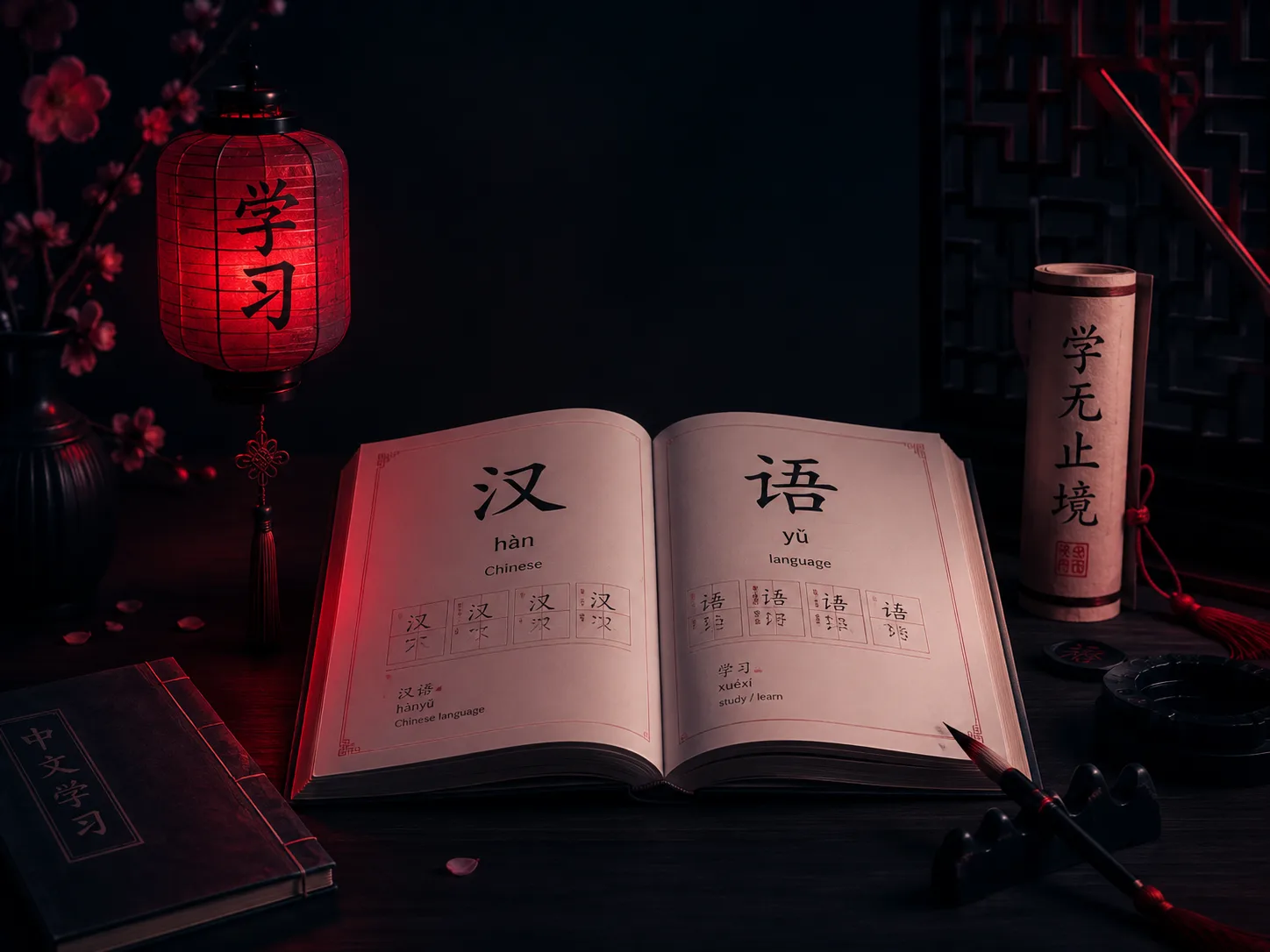

Chinese Urdu Pronunciation Tool
Choose the translation direction, enter a word or short phrase, and select Translate. For English input, the tool shows Chinese characters, pinyin, an Urdu pronunciation guide, and an Urdu meaning when the dictionary contains a match.
The pinyin and Urdu pronunciation fields help beginners connect written Chinese with its spoken form. Use the Listen button to hear the Chinese result, then compare the tones with the interactive Pinyin Chart.
For example, translating hello gives 你好 and nǐ hǎo. The tone marks matter: both syllables use the third tone in their dictionary form. In natural speech, the first third tone is commonly pronounced with a rising sound before another third tone. This is why listening and repeating is more useful than reading roman letters alone.
谢谢
xièxie
Use this for a normal, friendly “thank you.” The first syllable is strongly marked; the second is usually lighter in connected speech.
我不明白
wǒ bù míngbai
A practical classroom phrase. Say it slowly first, then listen for how the final syllable becomes light and unstressed.
多少钱?
duōshao qián?
Useful when shopping. Chinese question words remain in the place where the answer would normally appear.
请再说一遍。
qǐng zài shuō yí biàn.
Use this when practising listening. Notice that 一 changes pronunciation before a fourth-tone syllable.
Languages do not match word for word. “Know,” for example, can mean knowing a fact, knowing a person, recognising something, or knowing how to do an activity. Chinese may use different words for those meanings. When a result seems too broad, add context or consult a teacher instead of assuming the first dictionary match fits every sentence.
Dictionary-based results work best for common words and short expressions. Context, names, idioms, legal language, medical language, and long sentences can require human judgement. The tool is educational and should not be relied on as professional advice or as a certified translation.
The Urdu pronunciation is an aid for beginners, not a replacement for Chinese audio. Urdu and Mandarin do not share exactly the same sound system, so sounds such as q, x, zh, ch, r, and ü need focused listening practice.
